
GalleryStudio for Windows
Your images.
Beautifully presented.
Turn your image collections into polished, immersive galleries in seconds — with flexible layouts, fullscreen viewing and presentation controls built in.
Website v62
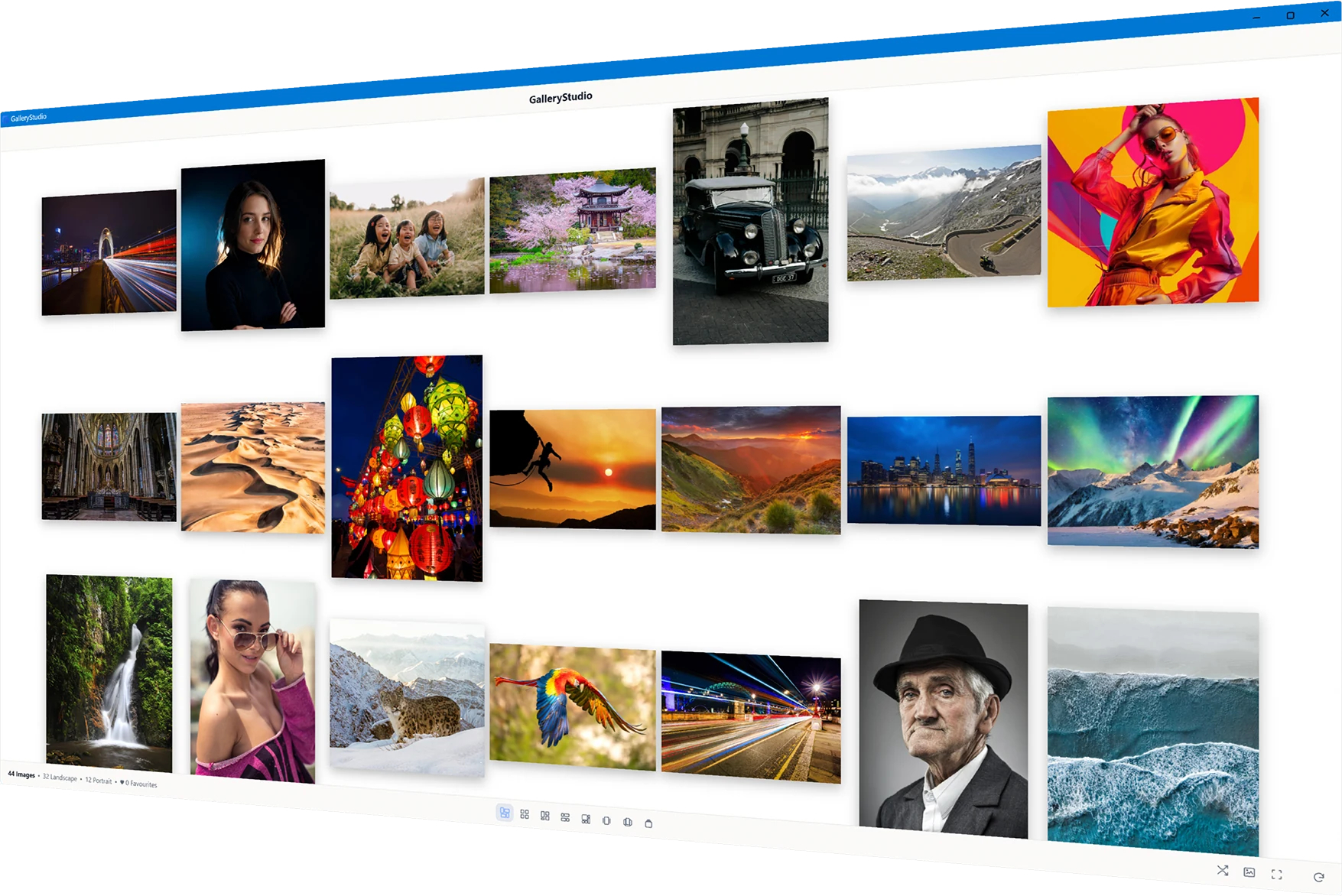
Explore GalleryStudio
Your images. Many views.
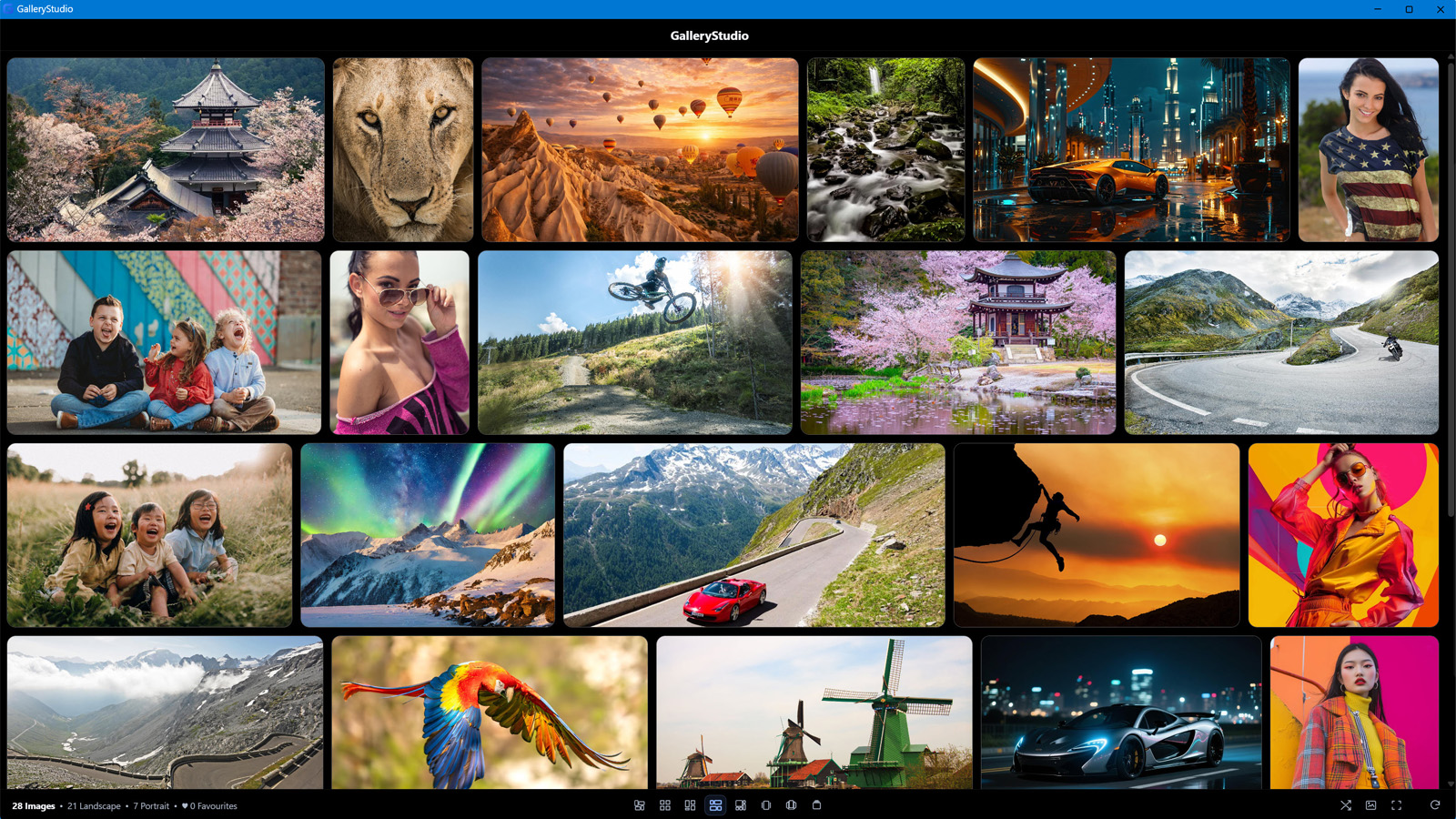
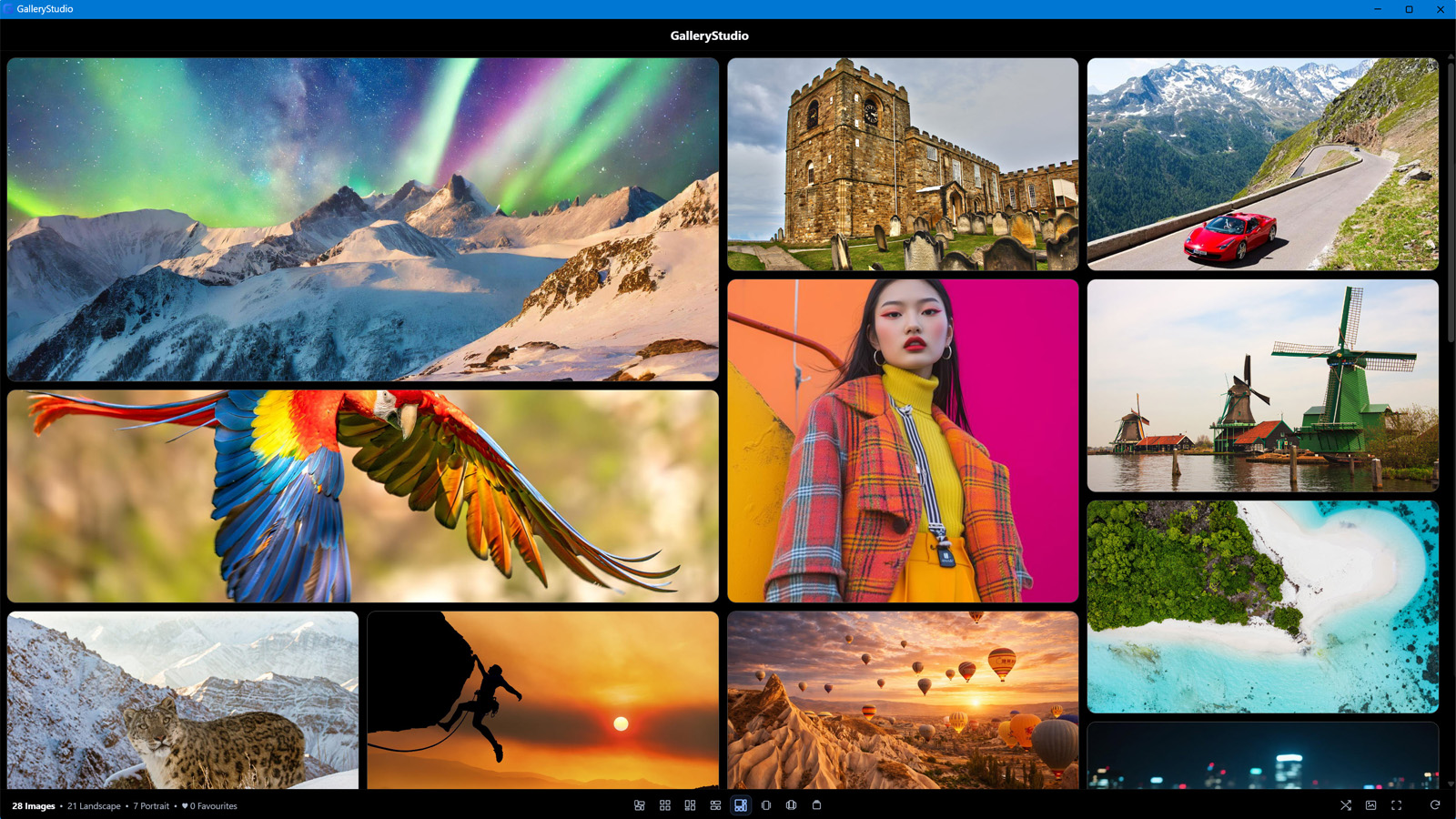
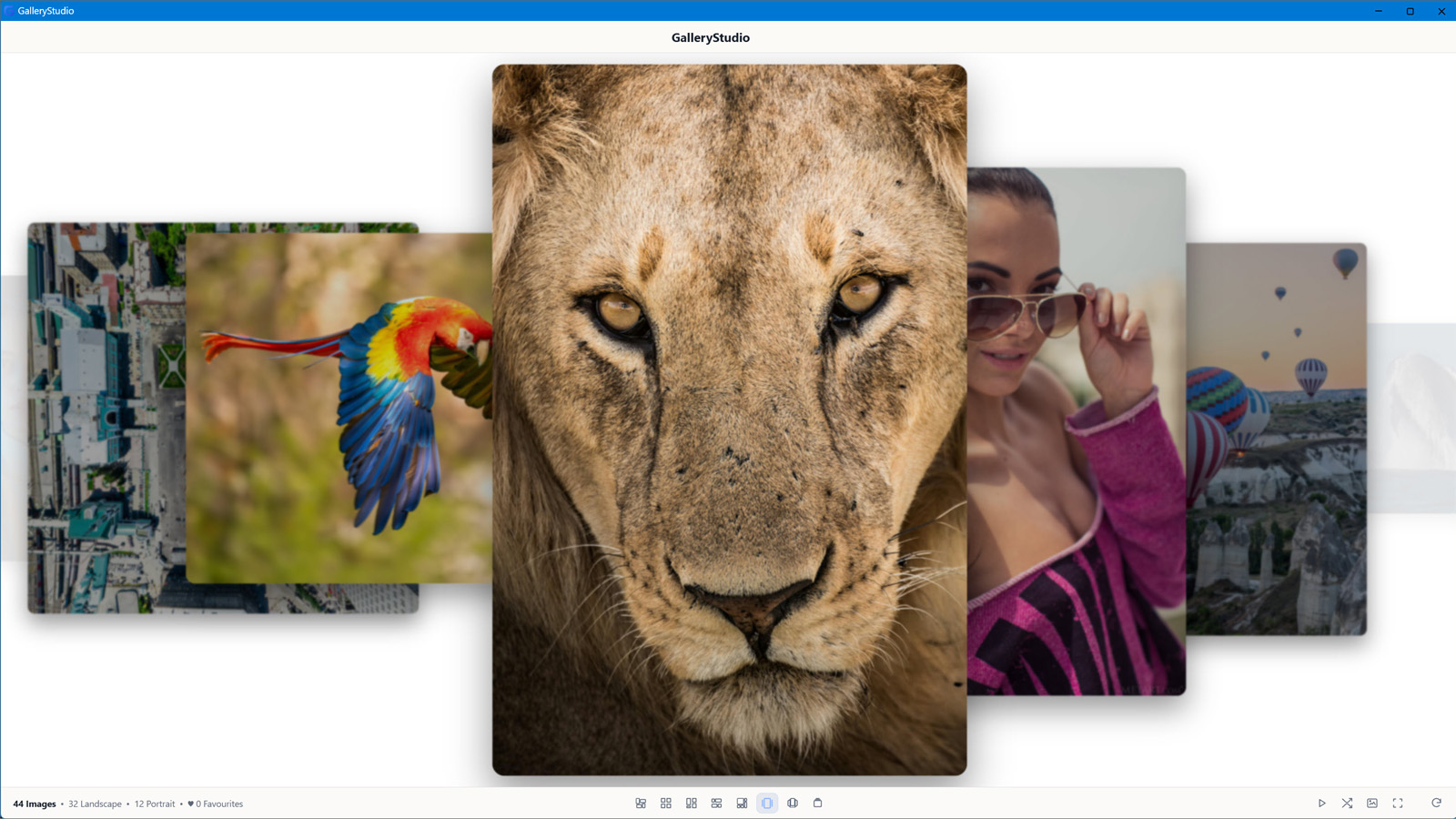
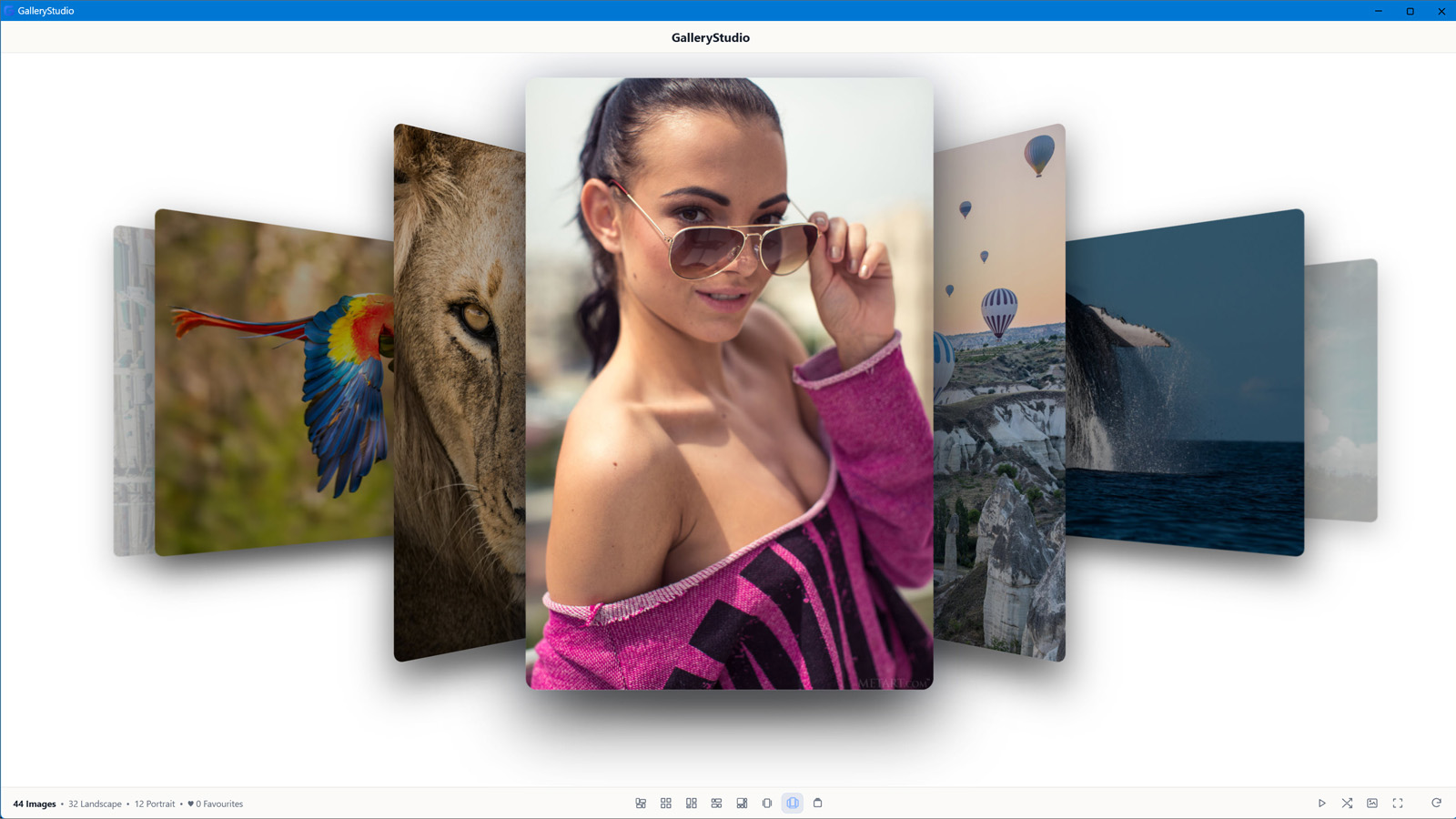
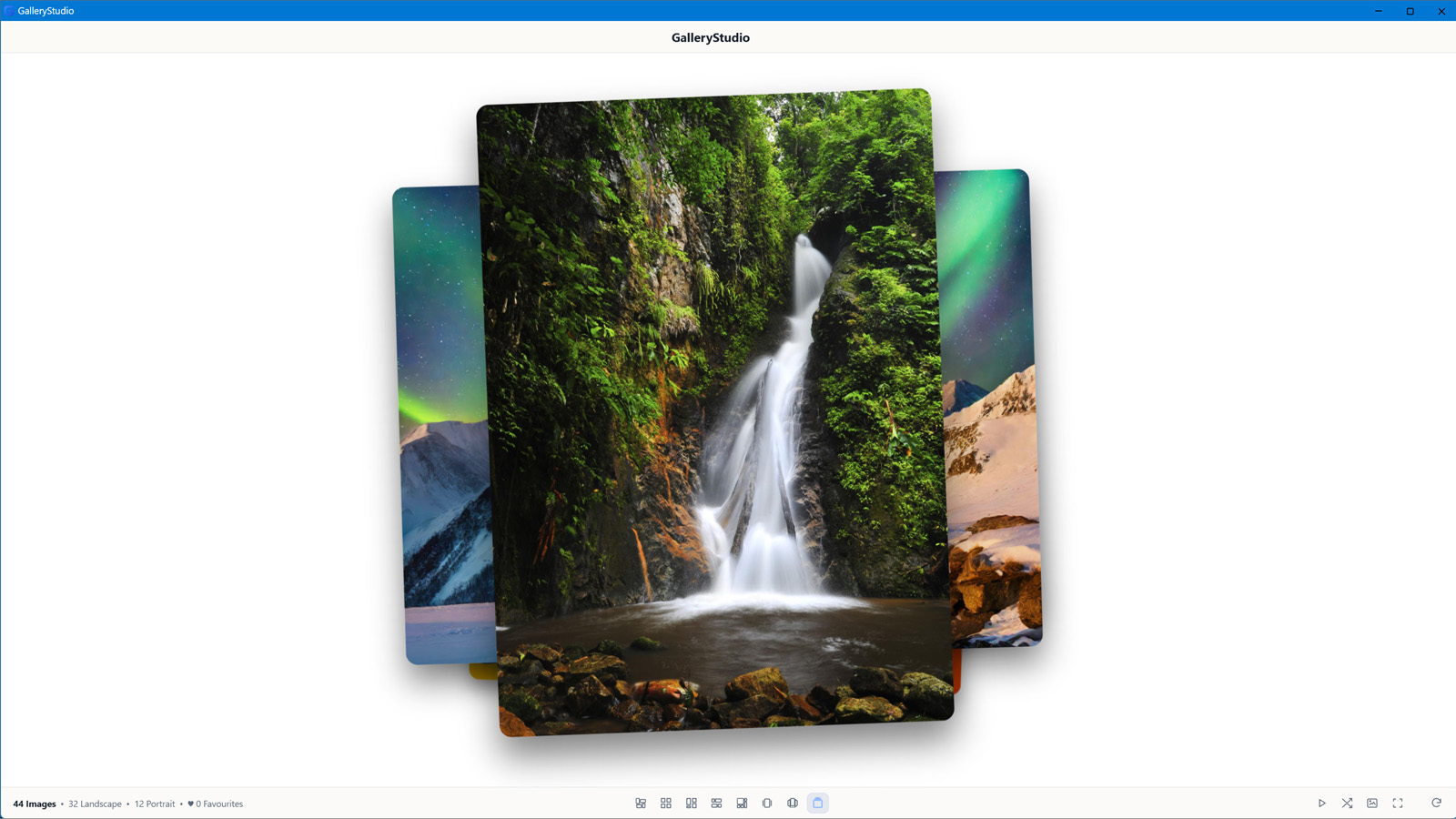
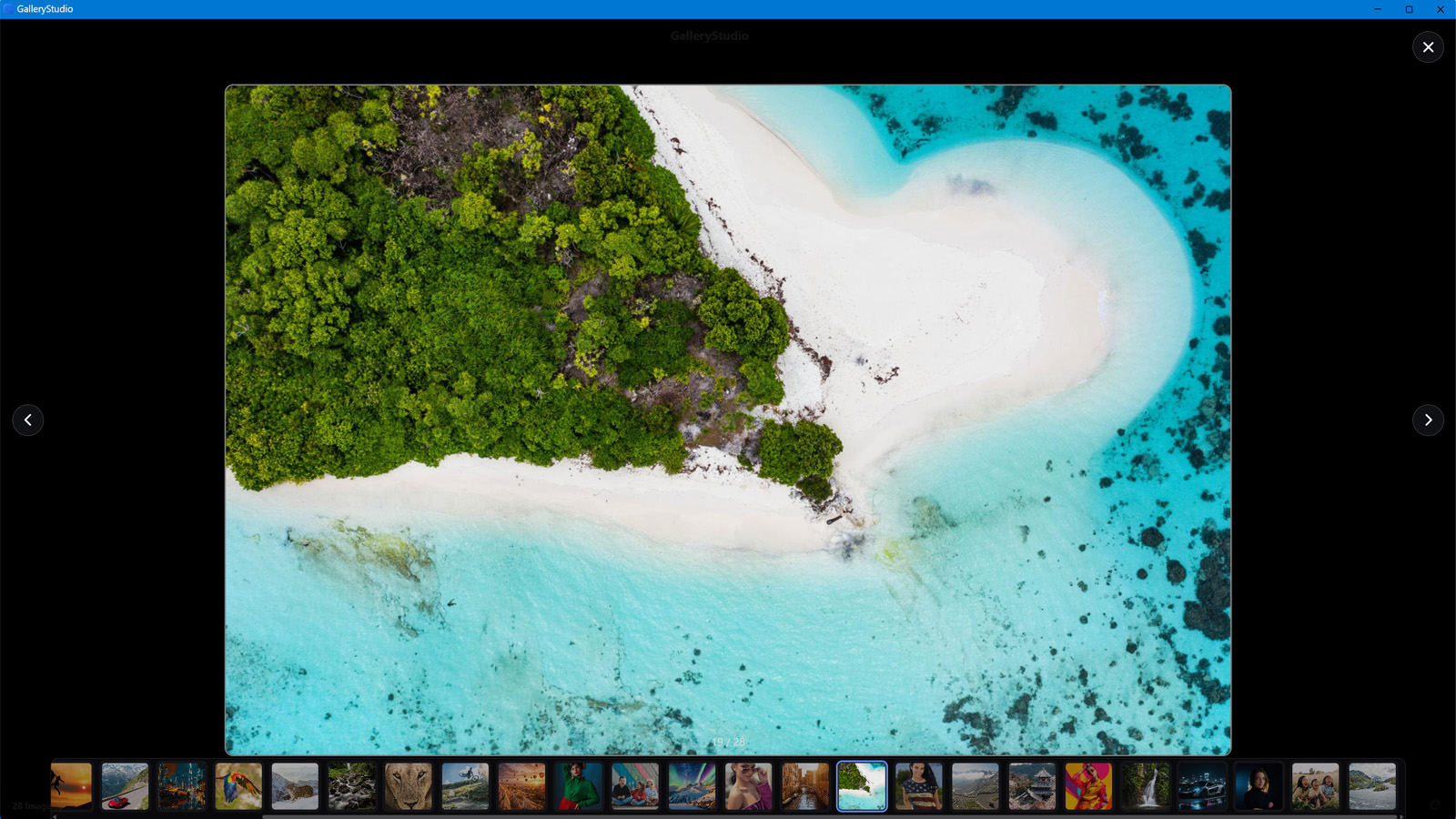
Move through GalleryStudio's different presentation styles — from structured galleries to immersive, image-first viewing.
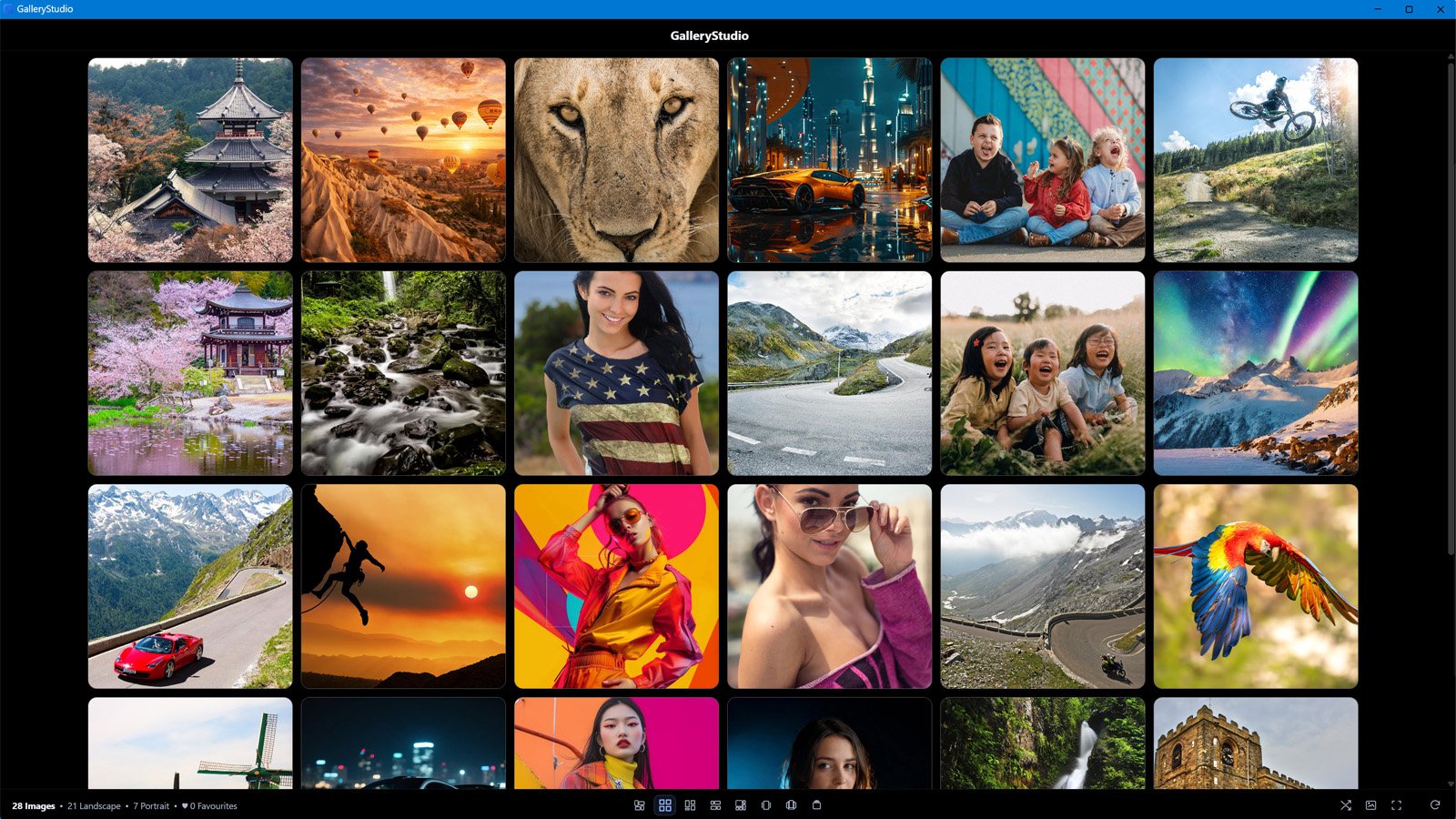
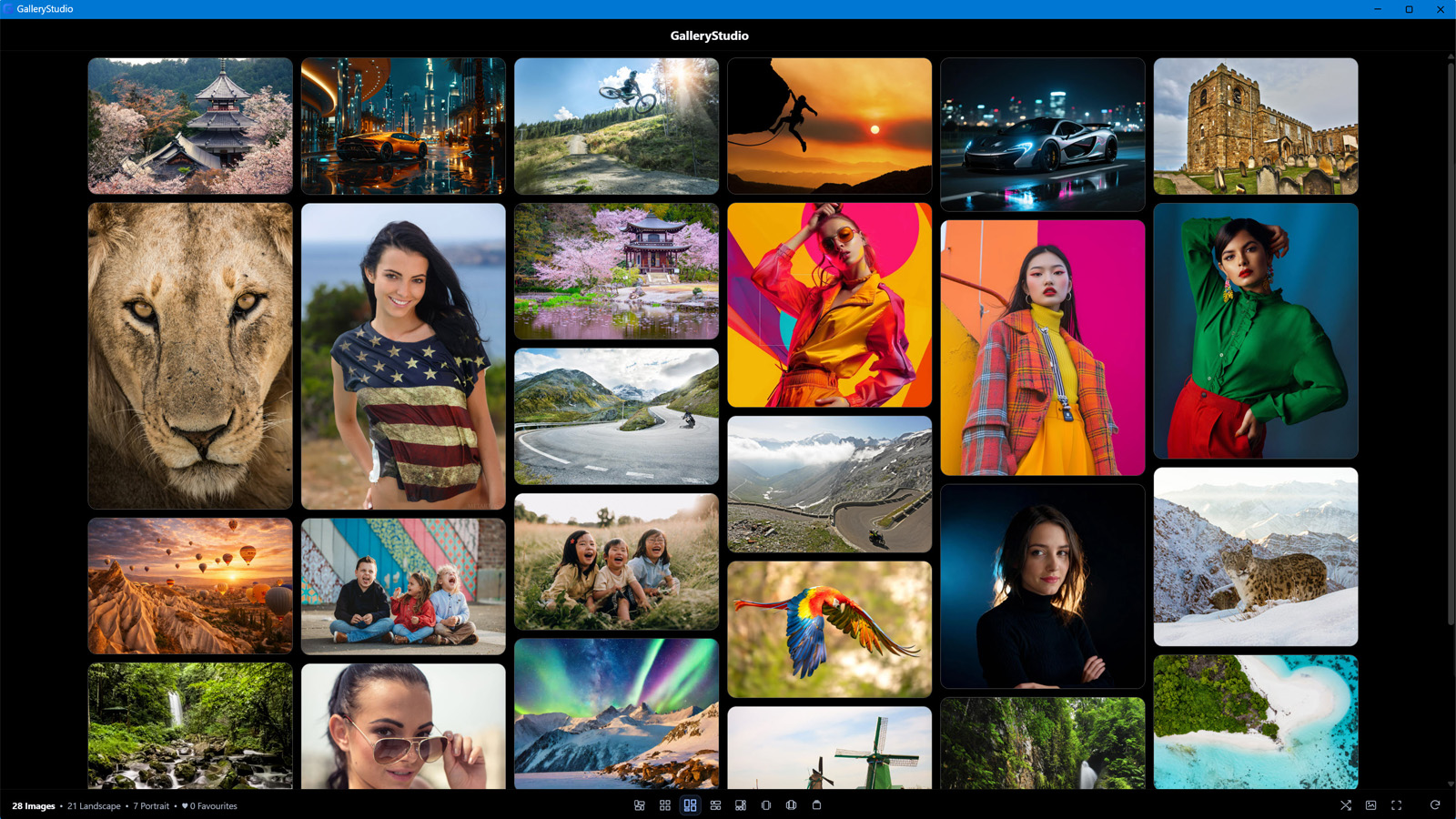
1 / 9
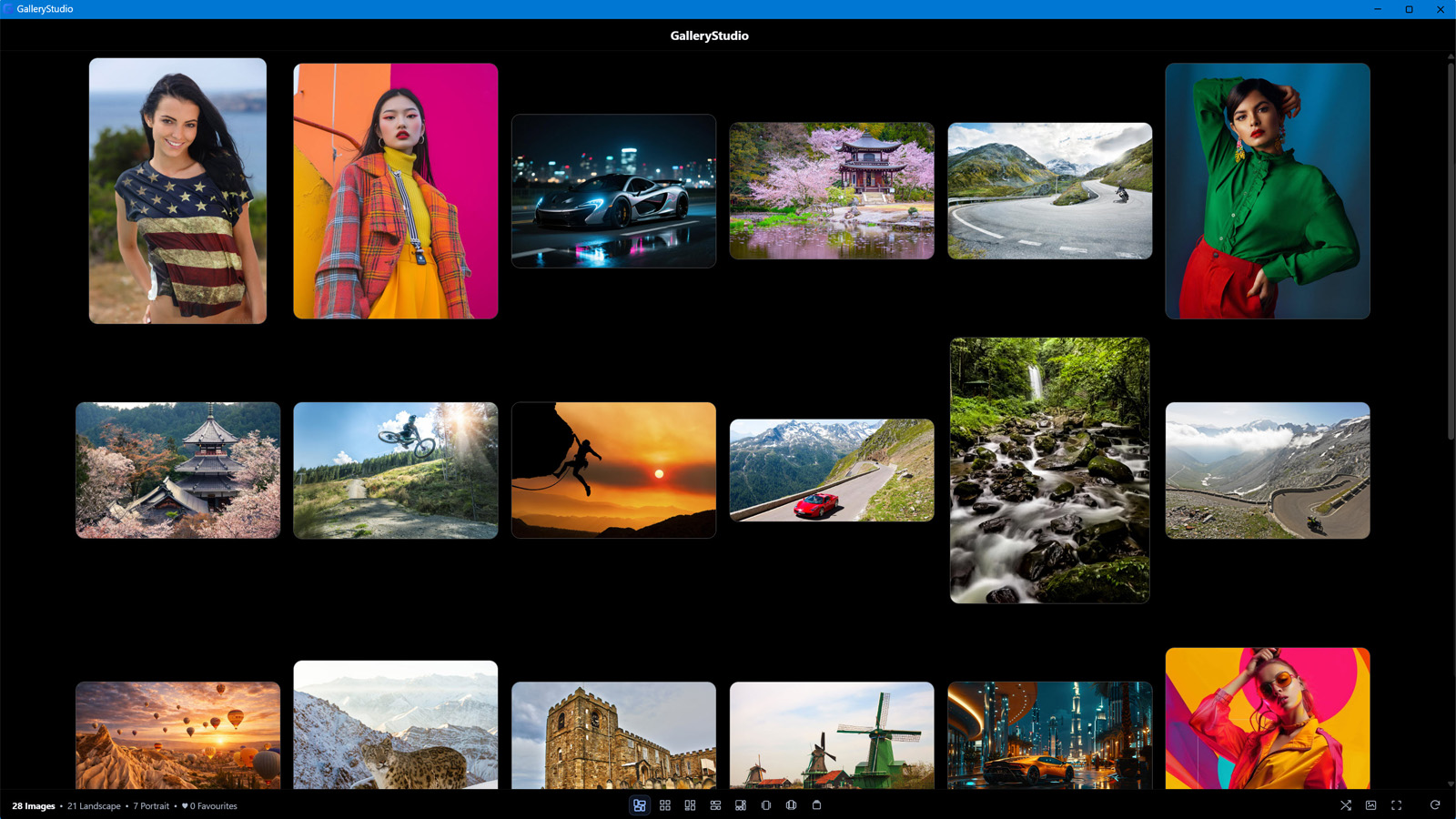
 Classic Gallery
A spacious, free-flowing gallery that preserves each image's natural proportions.


Your gallery, your way
Make GalleryStudio your own.
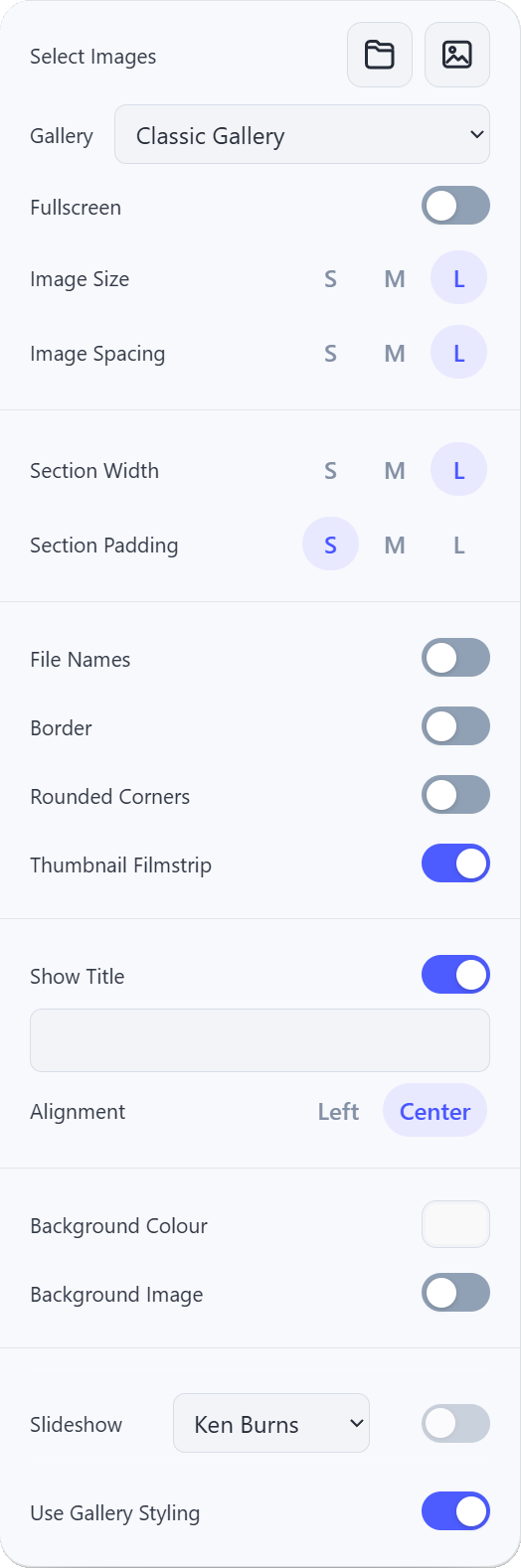
Fine-tune how your galleries look and behave. Adjust image sizing and spacing, backgrounds, borders, titles, navigation and slideshow presentation — all from one straightforward settings panel.
Layout & spacing
Choose gallery styles and control image size, spacing and how your collection fills the screen.
Style & presentation
Refine backgrounds, borders, corners and titles to suit the character of each collection.
Viewing & slideshows
Control filmstrips, fullscreen viewing and slideshow effects for a more immersive experience.

GalleryStudio for Windows
Ready to bring your images to life?
Experience your image collections with GalleryStudio for Windows.
Questions & feedback
Have a question?
Questions, feedback or need help with GalleryStudio? Send a message and I'll get back to you.